To add a new power supply to the layout, press Shift+P or the + button in the PowerFlow tab. When using Shift+P, the currently selected power supply in the PowerFlow tab is the one added.
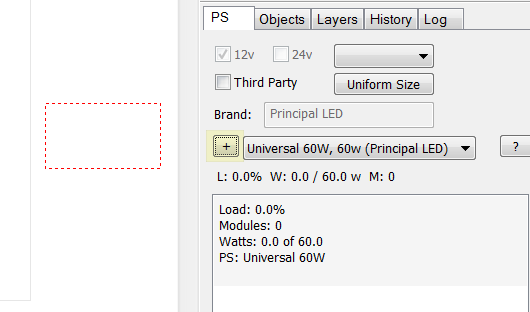
After you click on the + button, drag the power supply into the layout, and click where you want to place it. Here in the image, the red dotted rectangle is the position of the power supply.
 LED Wizard 8 Documentation